


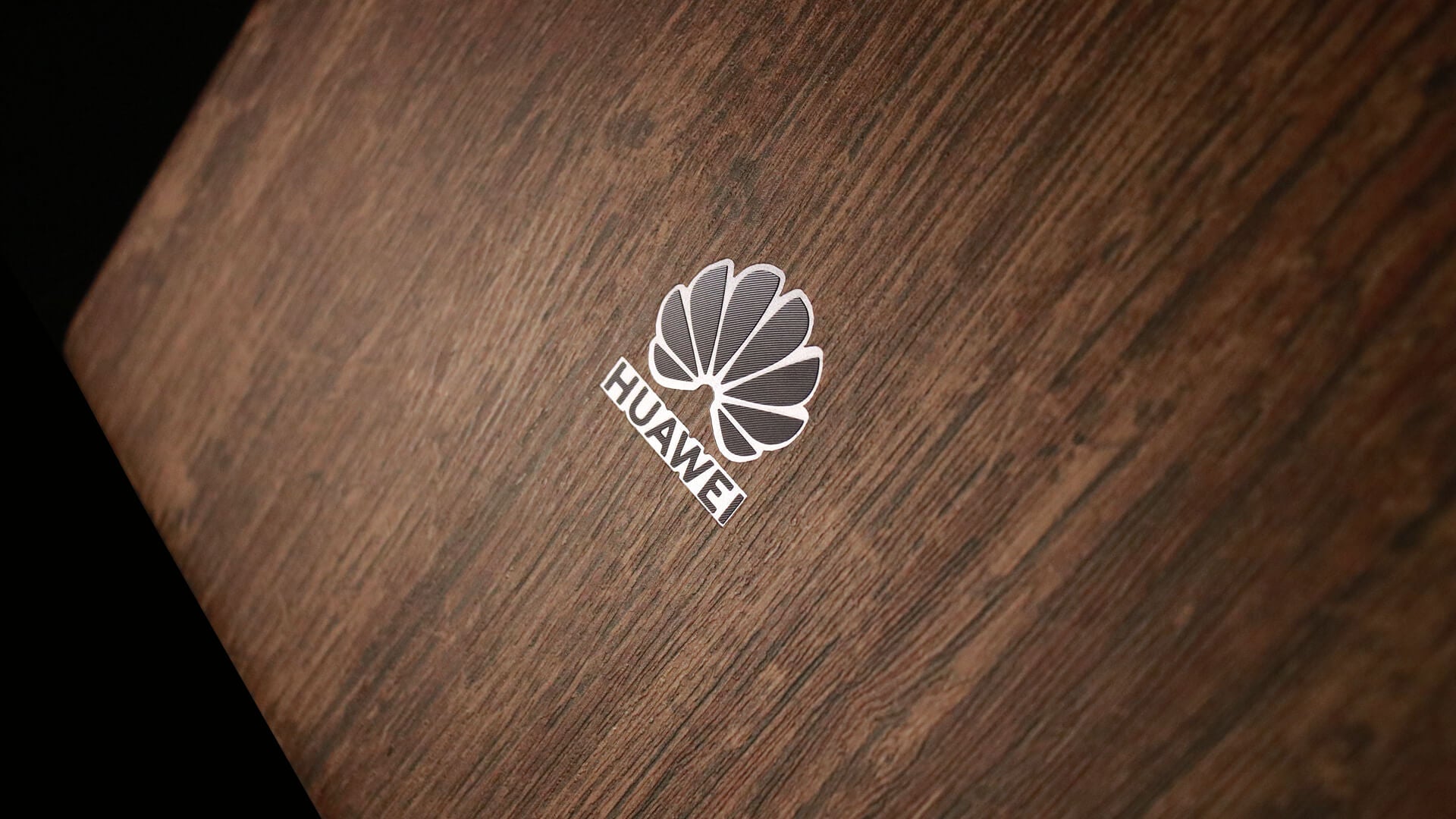
Huawei MateBook / 13-inch 2019
Huawei MateBook 13 (2019) Skins & Wraps
Bring a different colour or texture to your MateBook 13 without replacing its slim form with a shell. This set is cut for the 2019 model and includes a three-piece body, trackpad and keyboard surround for a coordinated exterior and interior.
At a glance
A thin, precision-cut vinyl skin for the Huawei MateBook 13 (2019), with coverage for three-piece body, trackpad and keyboard surround. Choose the available finish combination for this exact model.
Choose the right model
Order for the Huawei MateBook 13 (2019). Check both the MateBook name and model year before choosing your finish. Similar Huawei laptop names do not confirm that the body or keyboard-surround pieces will match.
Coverage made for this device
The supported coverage for this model includes:
- Three-piece body
- Trackpad
- Keyboard surround
The template includes cut-outs for the logo and buttons. Check those reference points when aligning each piece.
Keep the three body pieces separate from the trackpad and keyboard-surround sections while laying out the set. Check each part against its intended position before removing the backing.
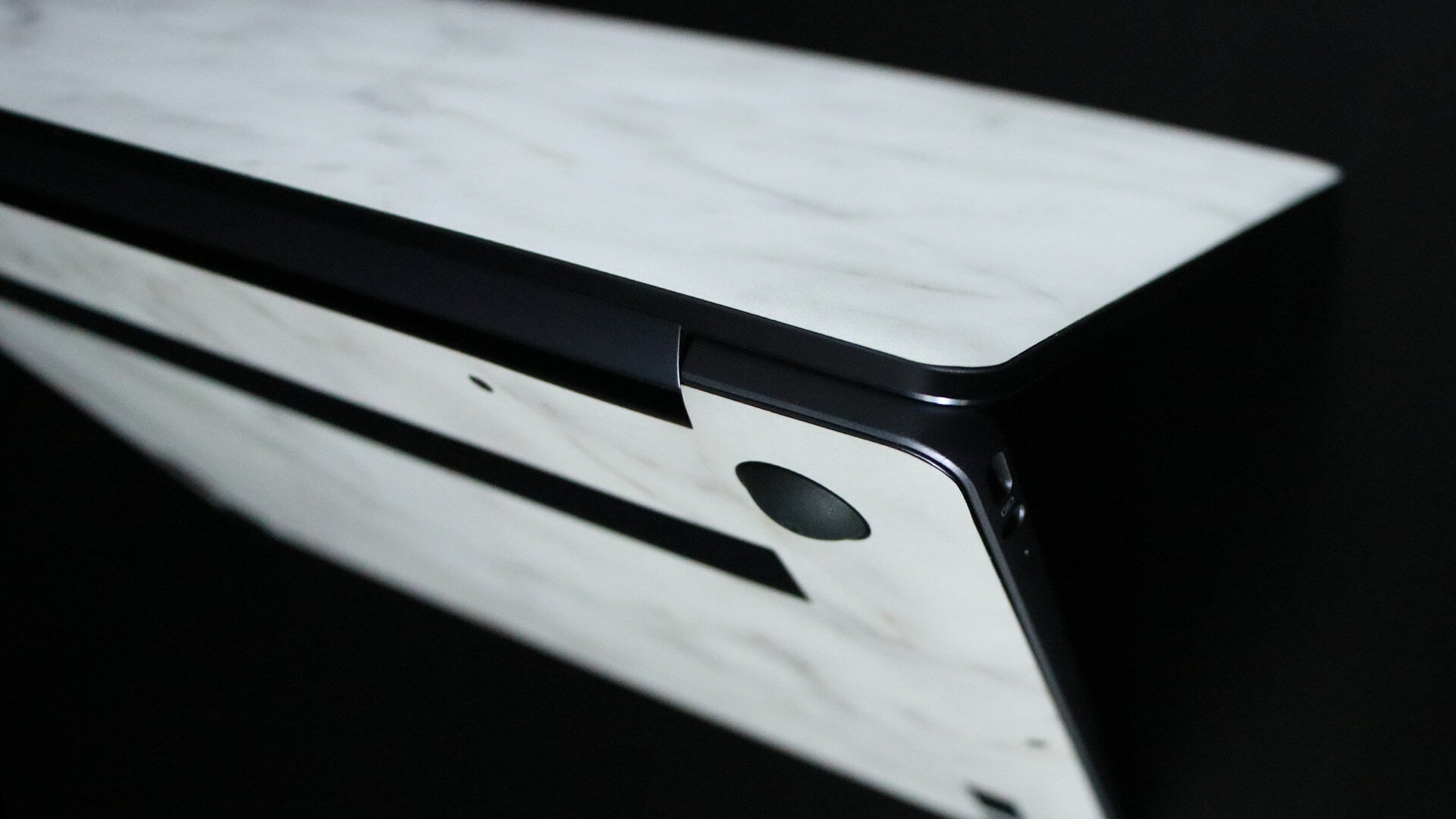
Choose your colour and texture
Full Colour uses one selected colour or finish for a coordinated look. Custom Colour lets you mix the compatible colours and textures offered for different sections.
The keyboard surround gives you an interior area to coordinate with the lid and trackpad. Use one finish throughout or combine the available textures so the inside and outside have their own character.
Explore the available Textured Matt colours, Gloss, Carbon Fibre, Brushed Metal, Camo, Natural Stone, Wood and Leather finishes. These names describe the appearance or texture of the vinyl. Use the current product options to see which finishes are available for each section.
Take your time with the fit
Start with the fitting guide and the instructions supplied with your skin. Check the device and every piece before removing the backing, then work on a clean, stable surface with the device switched off.
- Clean the intended surface and allow it to dry fully. Keep cleaning liquid away from ports, vents and other openings.
- Align the edges and cut-outs before pressing the vinyl down. Apply gradually, smoothing towards the edges.
- Use gentle heat only where the fitting instructions call for it. Avoid pulling the skin out of shape to make it reach an edge.
Air-release backing helps trapped air escape, but careful alignment and preparation still matter. Alcohol wipes are included for preparation; use them only on suitable surfaces.
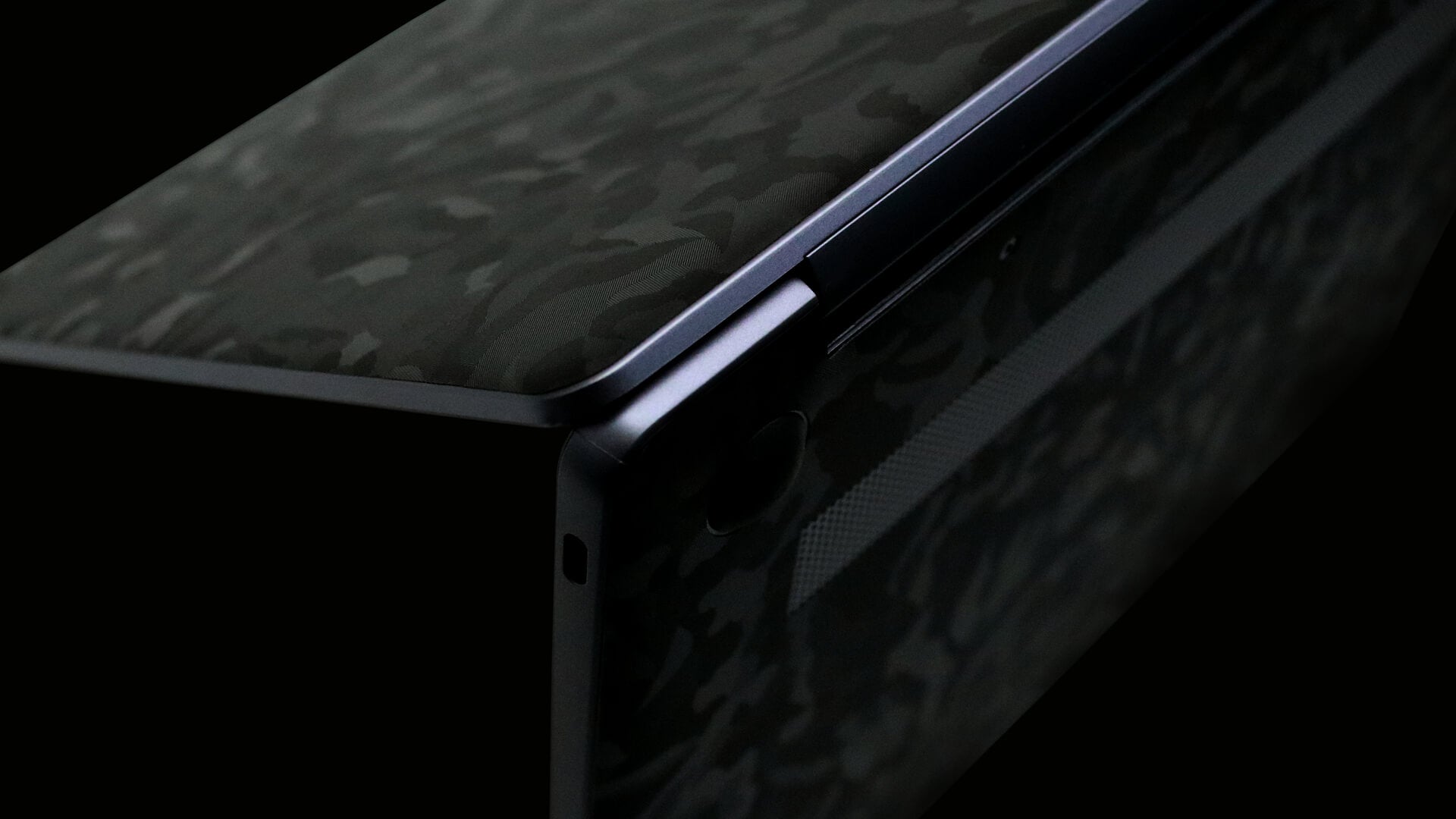
Everyday surface protection
A skin changes the finish and helps protect the covered areas from light scratches and scuffs in everyday use. It adds a thin layer of vinyl rather than the cushioning of a protective case. Keep uncovered areas, moving parts and openings clear.
When changing the finish, follow the removal instructions and work gradually. Surface condition and removal technique affect the result; contact us if you are unsure how to remove an older skin.
Help with your order
Ask XtremeSkins about fit or finish choices if you need a hand. Include the exact model and the sections you want to cover. For delivery services and current estimates, see our shipping information and the options shown at checkout.
Questions before you choose?
Is the keyboard surround included in the coverage?
Yes. The listed coverage is a three-piece body, trackpad and keyboard surround for the MateBook 13 (2019), with cut-outs for the logo and buttons.
Will this suit another MateBook 13 year?
This set is listed for the 2019 MateBook 13. Confirm your exact model before ordering rather than assuming all MateBook 13 versions use the same template.
Can I mix different colours and textures?
Yes. Choose Custom Colour to combine the compatible finishes offered for the available sections. Full Colour keeps the selected sections coordinated in one finish.
Where can I find fitting help?
Use the application guide alongside the supplied instructions. If a piece or cut-out does not match your device, stop before applying it and contact us.